04 / 08 Cleaning Made by us
Panic Clean: what it does and who it suits
Splits a messy room into small timed zones so you only face one thing at a time.
Good to know
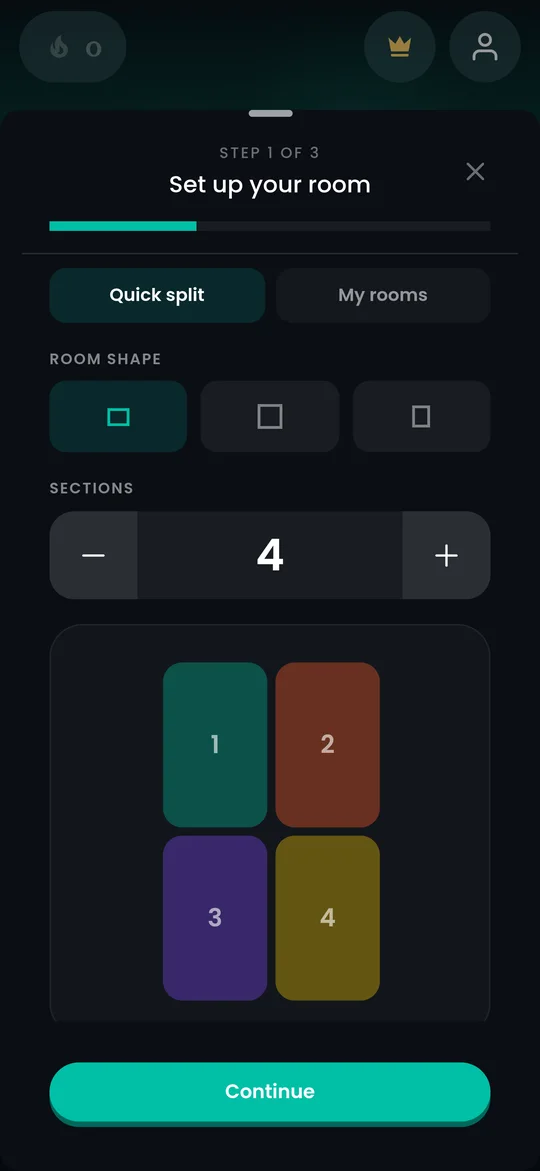
- Split a room into 2 to 12 zones and clean one at a time
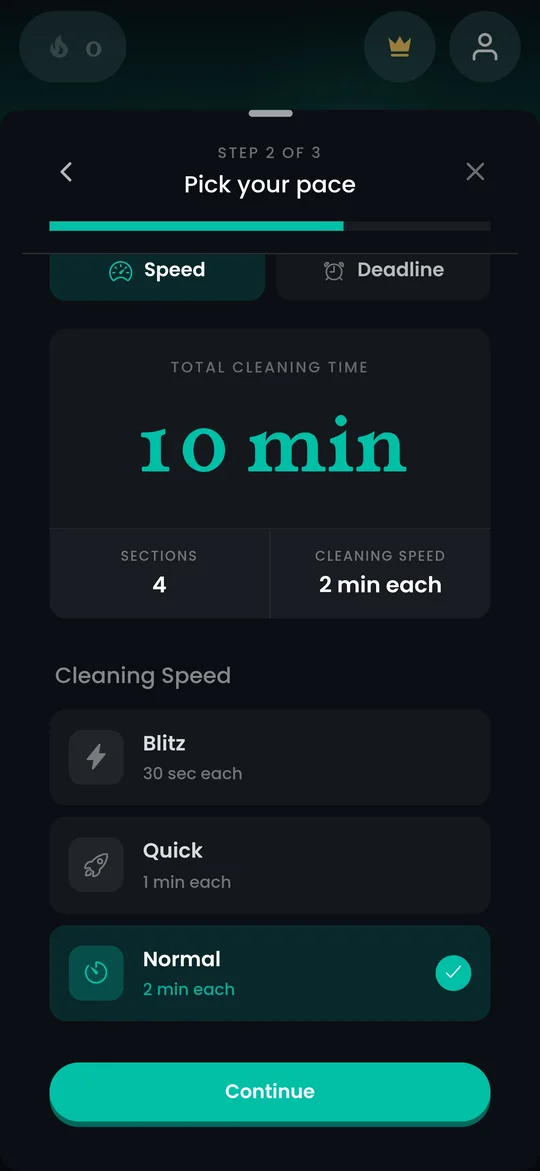
- Timers from 1 to 15 minutes, with a beep and a buzz every minute
- Drip Clean spreads tiny cleans through your day
- Free to start
Worth knowing
- Only does cleaning
- Built for one person, with no shared household lists
- The minute-by-minute nudges are not for everyone
Screenshots
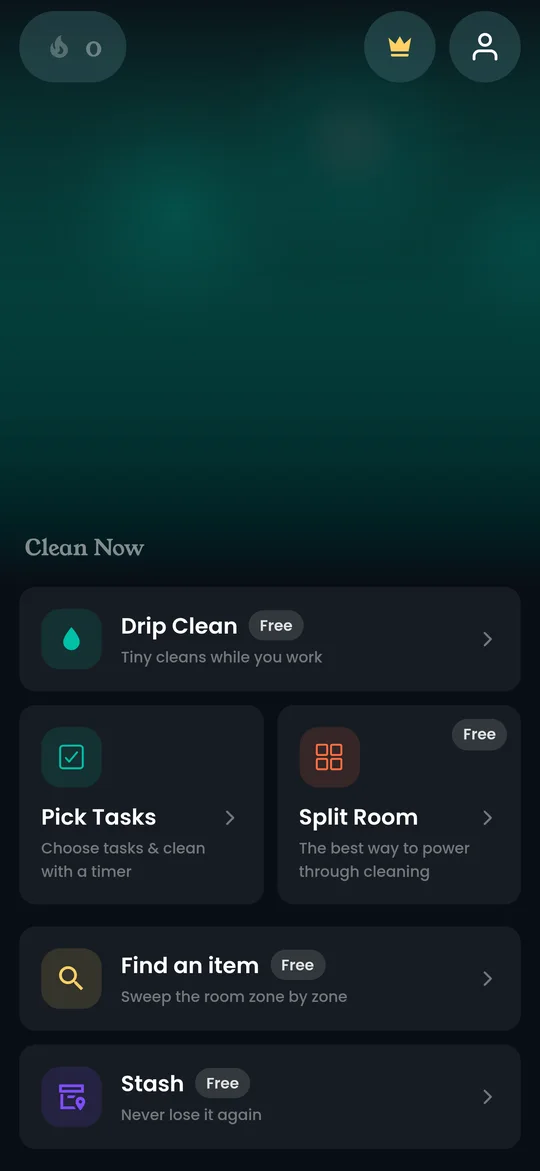
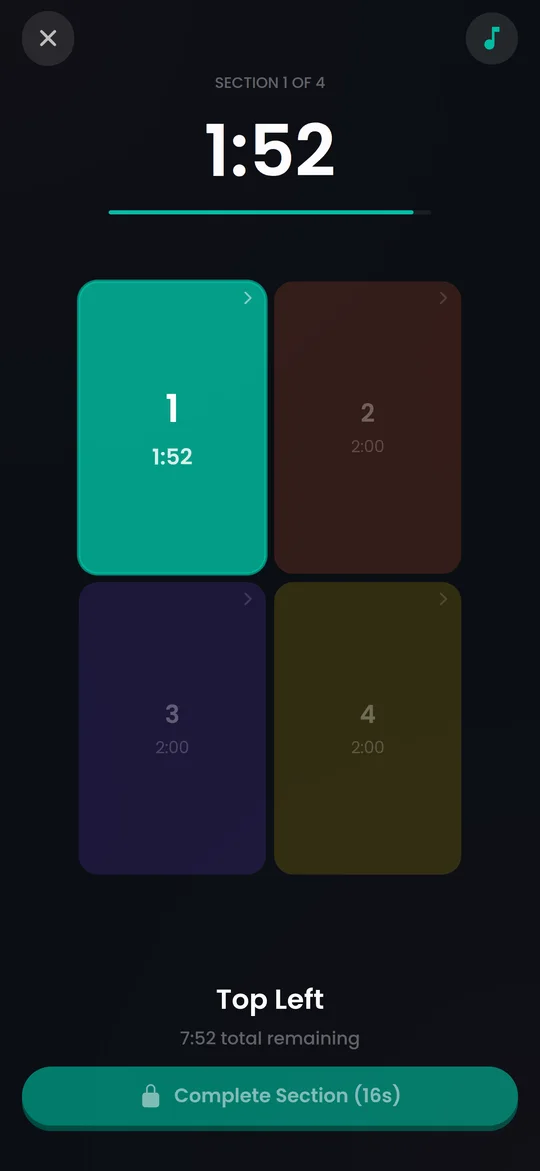
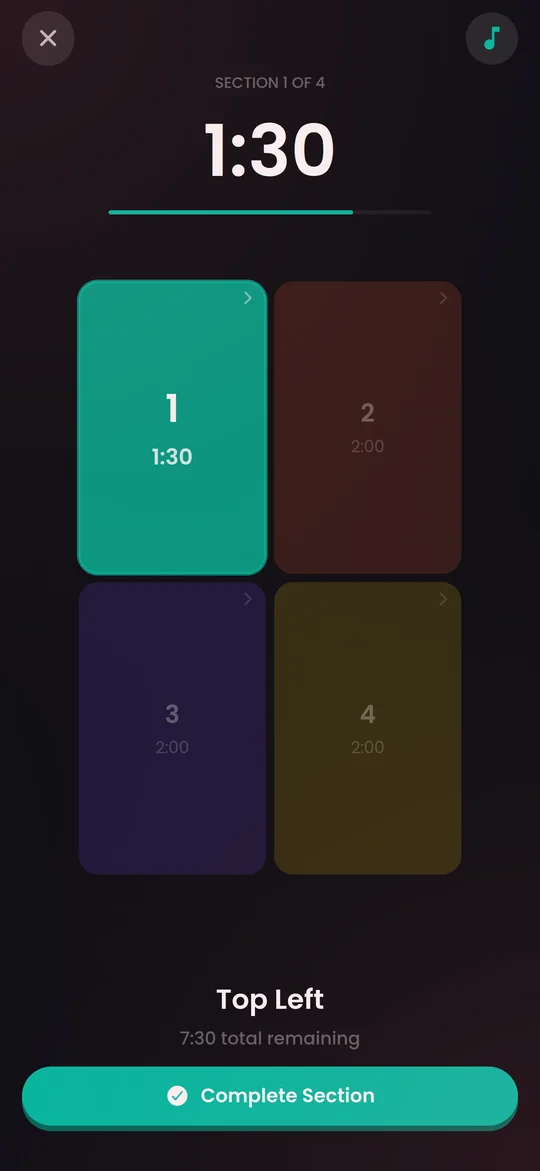
Features
- Split Room
- Pick Tasks
- Drip Clean
- Find an item
- Stash
- Room presets
- Streaks
What it is
Panic Clean is our own app. We built it for the moment you look at a room and see everything at once.
How it works
Split Room lets you draw the room and cut it into 2 to 12 zones. Each zone gets its own short timer, from 1 to 15 minutes, with a beep and a vibration every minute so you do not drift. Pick Tasks does the same with a list of jobs instead of zones. Drip Clean spreads tiny cleans through a working day.
What it does not do
It only does cleaning. There is no planner, no habit tracker and no shared household list. The timer nudges are the point, and some people find them stressful.
Who it suits
Anyone who freezes at the doorway of a messy room, and people who clean best under a bit of time pressure.
Frequently asked questions
Is Panic Clean free?
Panic Clean is free to start. Some features need a paid plan, shown in the app.
What devices does Panic Clean work on?
iOS, Android.