Focus Explainers Low effort5 min
Use a timer to get moving when starting feels hard
A timer gives a task a finish line and a small deadline. Here is why that helps, and how to set one in five minutes.

What does a timer do for you?
A timer turns an open-ended task into a short one with an end you can see. Compare ‘clean the kitchen’ with ‘clean the kitchen for five minutes’. The first has no edge, so you cannot tell when it is done. The second has a finish line.
A timer also removes two small decisions: how long to work, and when to stop. When you are overwhelmed, each of those can feel like a wall. The timer makes both decisions once, at the start, so you can get on with the task.
Why does a visible end make starting feel safe?
A visible end shows that the effort has a limit, which makes starting feel less risky. A job that might take ten minutes or three hours is easy to avoid, because you cannot tell what you are agreeing to. A countdown answers that. If five minutes is all you are signing up for, the first step costs less.
Seeing the end matters. A dial or a number on a screen works better than a time you hold in your head. If starting is the hardest part for you, the guide to task paralysis gives a five-minute way in.
What is borrowed urgency?
Borrowed urgency is the pressure of a deadline, lent to a task that does not have one. Many people with ADHD say that deadlines focus them, while tasks with no due date drift.
Dishes with no deadline can wait for days. Dishes with ten minutes on the clock feel different. A timer is a small, harmless deadline. Nothing bad happens when it runs out, and nobody is waiting on you. But the countdown gives the task a shape, and many people find that is enough to get moving.
If you like a race, try to beat the clock. If that adds stress, treat the timer only as a boundary. Both ways work.
What do you need before you start?
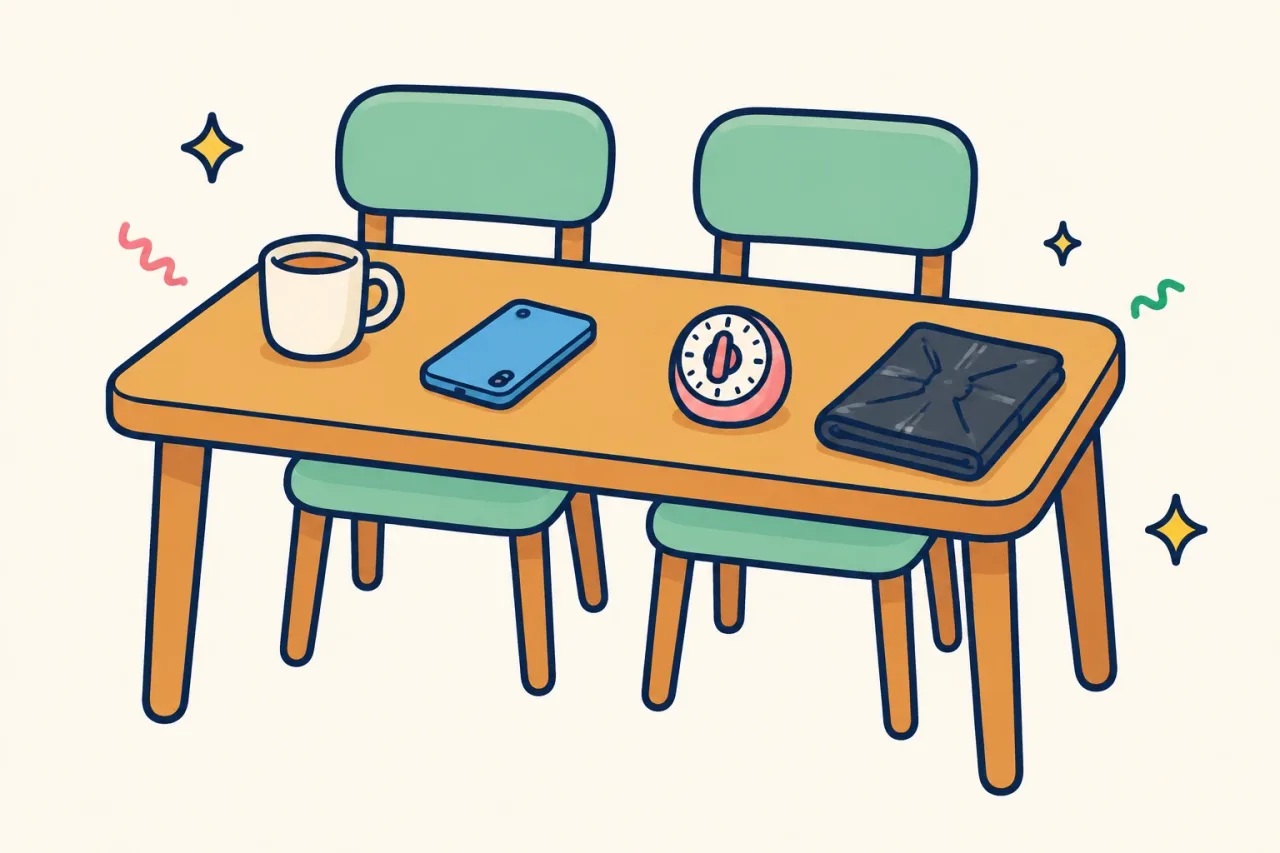
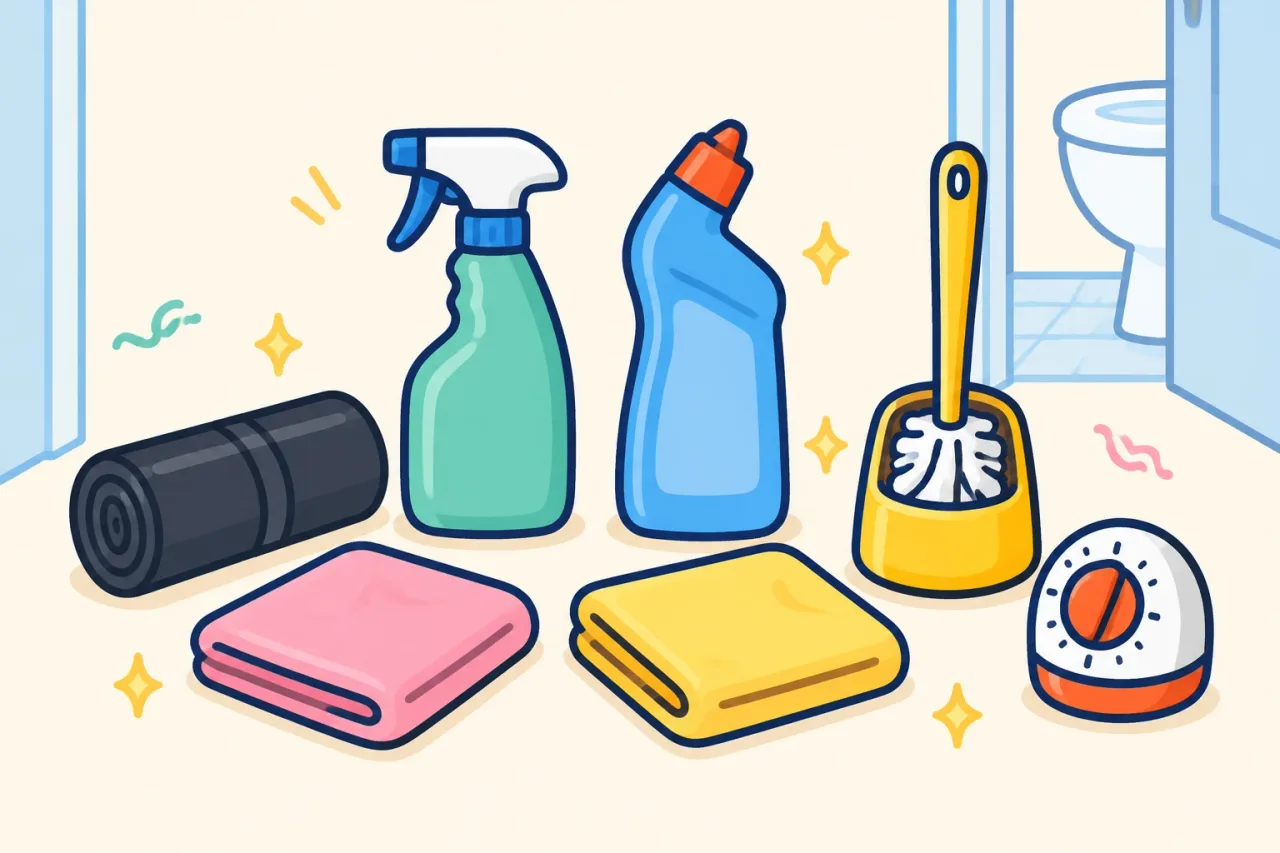
You need one timer that makes a sound, one task and about a minute to set up. Keep the kit small.
- A timer that beeps: a phone, a kitchen timer or a watch.
- One task, named in a few words, such as ‘clear the sink’ or ‘put the washing away’.
- A spot where you can see the timer, ideally at eye level.
- The sound switched on.
- A bin bag or basket, if the task involves rubbish or moving things.
You do not need a perfect plan, a clear room or a good mood. Pick the task before you set the timer, not after. Choosing while the clock runs wastes the minutes.
How do you set a timer that helps?
Set it for five to fifteen minutes, start with five, and make it audible. Follow these steps in order.
- Name one task in a few words.
- Set the timer for five minutes. If that goes well, try ten or fifteen next time.
- Put the timer where you can see it, with the sound on.
- Start before you feel ready. Begin with the nearest object.
- Work until it sounds. If you have drifted, the sound brings you back.
- When it sounds, choose: stop, or reset for another round.
Stopping counts as finishing. Short beats long, because a short timer is easier to start. Audible beats silent, because the sound tells you when you have drifted.
What if it goes wrong or you run out of energy?
If it goes wrong, shrink the timer rather than drop the idea. Drifting is normal, and the sound is there to catch you. When it beeps and you are looking at your phone, reset it and carry on. No telling off needed.
If five minutes feels like too much today, set one minute and do one thing, such as putting one plate in the bowl. If your energy runs out halfway, stop when the timer ends, even if the job is not done. A half-cleared sink is better than an untouched one. Stuck is not lazy. Some days the timer is the only thing you can manage, and that is allowed.
Which mistakes make timers stop working?
The biggest mistake is setting the timer too long. These are the others to avoid.
- A silent timer. You will not notice when you drift.
- No task named. You spend the first minutes choosing.
- Treating the end as a verdict. If the job is unfinished when it sounds, the timer has still done its work.
- Chaining rounds with no break. Take a few minutes between them.
- Using the timer to push yourself harder. It is a boundary, not a whip.
A timer should make the task feel smaller. If it makes it feel worse, shorten it or put it away for the day.
How do you make it easier next time?
Keep the timer where the task happens and use the same length each time, so there is nothing to decide. A kitchen timer by the sink works, and so does a phone alarm set the same way each time. Reusing five minutes turns it into a habit that needs less thought.
If you want an app for cleaning, we make Panic Clean, and it only does cleaning. Split Room lets you draw a room and split it into 2 to 12 timed zones. Each zone has a timer of 1 to 15 minutes, with a beep and vibration every minute. It is on iOS and Android, free to start with some features paid. See Panic Clean. You do not need an app, though.
Frequently asked questions
What is the best timer length for ADHD?
Start with five to fifteen minutes and adjust. Shorter is easier to start, so begin at five and go longer only if it feels easy.
Should a timer be silent or make a sound?
Use one that makes a sound. The sound tells you when you have drifted, and it marks the end clearly.
What should I do when the timer goes off and I am not finished?
Choose to stop or to reset it for another round. Both count, and an unfinished job does not mean the timer failed.
Do I need an app to use a timer for chores?
No. A phone, a watch or a kitchen timer does the job. If you want a cleaning app, we make Panic Clean, which only does cleaning.
Why do timers help some people with ADHD get started?
A timer gives the task a finish line you can see. Many people with ADHD also say that deadlines focus them, and a timer works as a small, harmless one.